How to log
your KMs
Logging your progress is simple! You can manually enter your distance in your dashboard — or connect a fitness app like Garmin or Strava to automatically track your hikes, rides, paddles or rolls.
No matter how you move, make sure your kilometres are counted toward our national goal during the Great Canadian Hike from September 1-30. Let’s hit 100,000 km together!
Log in to your Dashboard
Your participant dashboard is your home base for everything Great Canadian Hike — log kilometres, monitor your fundraising progress, invite friends to join, celebrate your milestones and track your prize-draw ballots. Whether you’re tracking manually or using a synced app, logging in will be your first step.
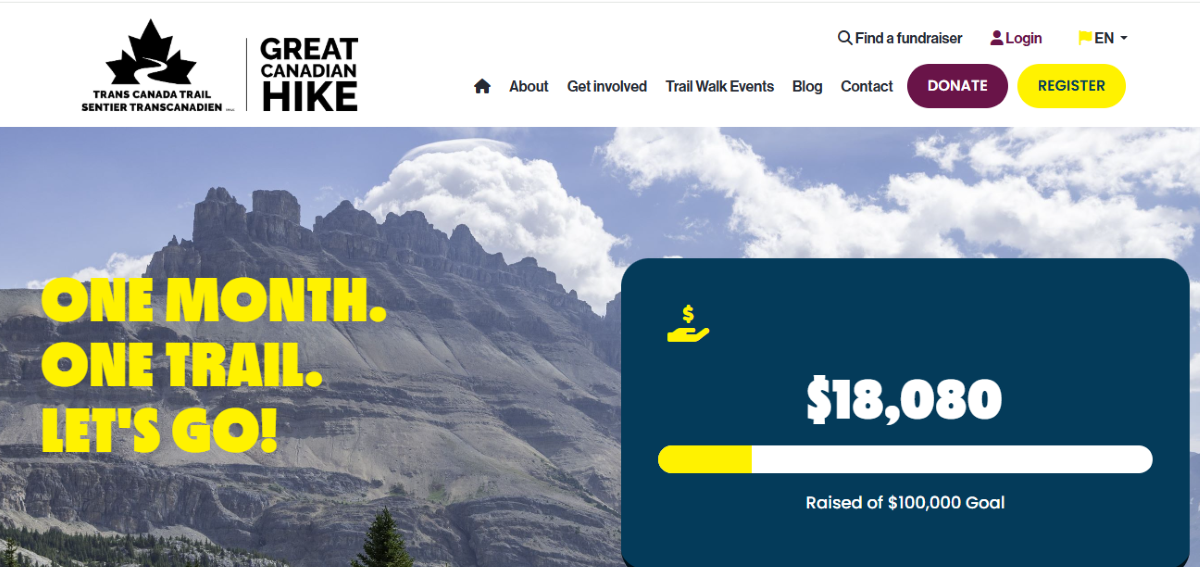
To log in: click/tap the “login” icon in the top-right of any page on the Great Canadian Hike website.
Sync a Fitness App
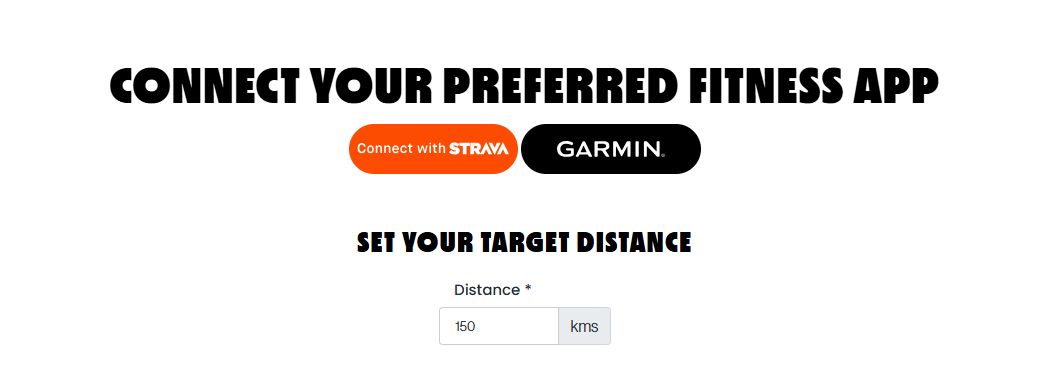
Automatically log your kilometres using Garmin or Strava!
To connect a fitness app to your profile:
- Log in to your Great Canadian Hike dashboard.
- Click/tap Log KMs and find the fitness app icons under Connect your preferred fitness app.
- Select your app of choice. This will open a new window and prompt you to log into your Garmin/Strava account. Follow the steps to allow the Great Canadian Hike to access data from your chosen app.
Once your app is connected any activity you record in Garmin/Strava will automatically be added to your Great Canadian Hike total within 24 hours.
If you're using Strava, make sure your activities are visible to either "Everyone" or "Followers." Change this setting in the Strava app under: You > Settings > Privacy Controls > Activities. If your activities are set to "Only Me" they will NOT sync to your Great Canadian Hike dashboard.
Log KMs Manually
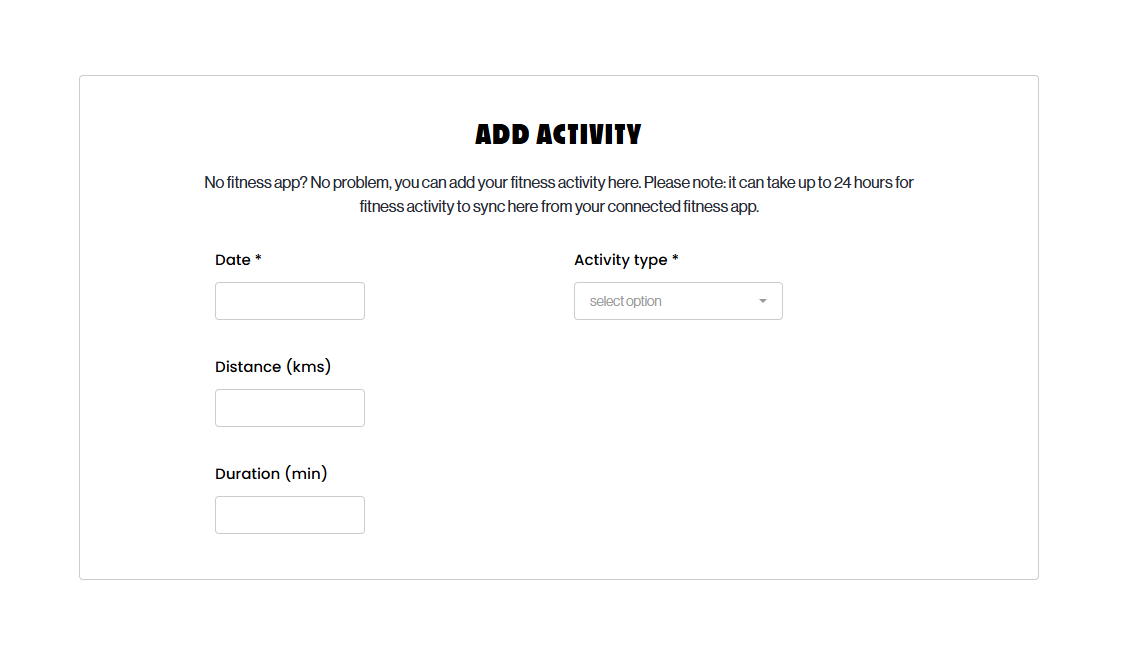
Don’t use Garmin or Strava? No problem! Manually logging kilometres only takes a minute.
- Log in to your Great Canadian Hike dashboard.
- Scroll down to Add Activity.
- Fill out the Date, Activity Type, Distance and Duration (optional) fields – these can be estimates or workouts you tracked through a different app.
- Click/tap Save.
STAY updated
Read our blog for the latest campaign news, inspirational stories, fundraising tips and more.
Generously supported by

Trail Champions